
Film grain presets recreate the warm, organic character of analog film stocks like Fuji 400H inside Lightroom. The Visual Flow Pastel Pack delivers authentic film emulation organized by lighting condition — so the look stays consistent whether you are shooting in open shade or a tungsten reception hall.



When To Use It
The Lighting Conditions That Define This Style
Open shade and soft natural light, indoor window light, golden hour portraits, outdoor ceremonies, getting ready coverage, lifestyle and editorial sessions, and any situation where a warm, organic, film-inspired aesthetic is the goal.
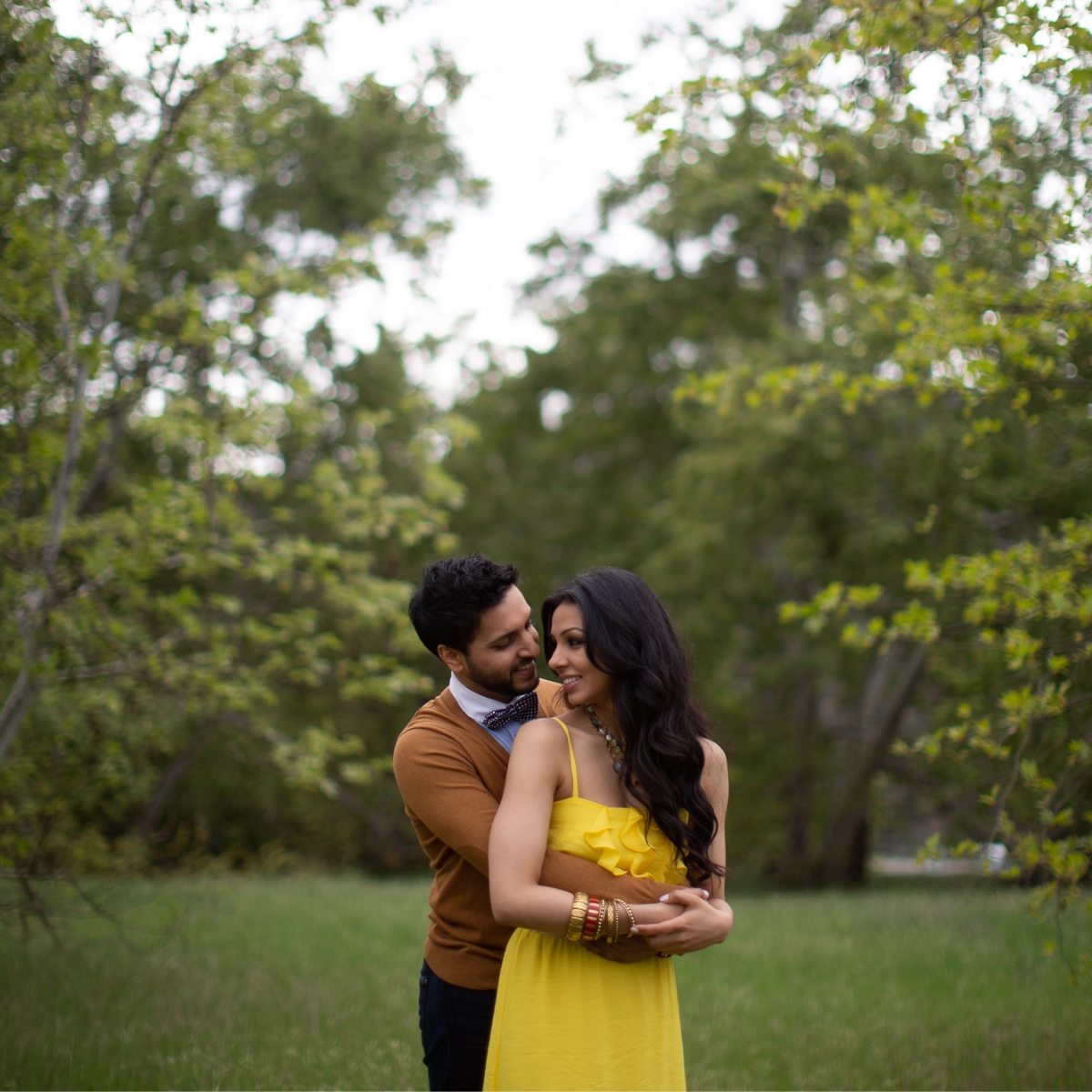
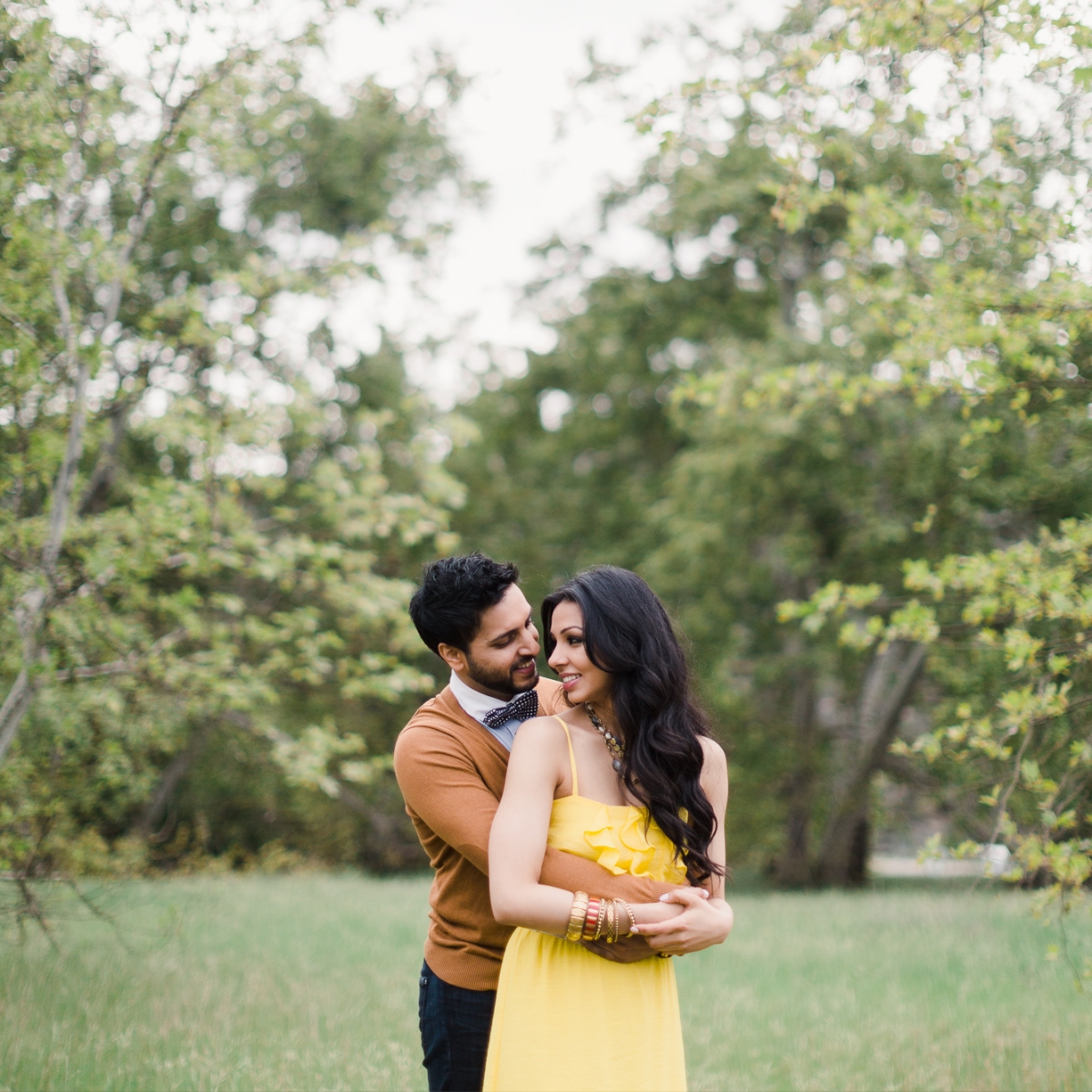
What Are Film Grain Lightroom Presets?
Film grain Lightroom presets recreate the organic texture and color character of analog film stocks inside Adobe Lightroom. Rather than applying a digital noise filter, true film grain presets combine grain structure with the specific tonal curves, color response, and highlight rolloff of real film emulsions — stocks like Fuji 400H, Kodak Portra 400, or Kodak Tri-X. The result is photography that feels tactile, warm, and timeless rather than digitally processed.
In wedding and portrait photography, the film grain aesthetic is most associated with a soft, romantic, editorial quality. It works especially well for getting ready coverage, intimate ceremony moments, golden hour portraits, and lifestyle sessions where a natural, unprocessed look is the goal. Related search terms include film emulation presets, analog Lightroom presets, filmic presets, and film-inspired editing.
Why Digital Film Grain Presets Often Fall Short
The most common mistake in film grain presets is treating grain as a texture overlay added on top of a standard digital edit. Adding grain in Lightroom’s Effects panel without changing the underlying tonal and color response does not produce a film look — it produces a digital photo with noise added to it. True film emulation requires matching the color science of the film stock as well as the grain structure.
The second problem is consistency. Film grain looks dramatically different in a bright outdoor portrait versus a dark indoor reception. A preset built for soft natural light will create blown highlights and incorrect grain density when applied to a tungsten-lit reception hall. This is the same inconsistency problem that affects every generic preset applied across varied shooting conditions.
Visual Flow addresses both issues. The Pastel Pack emulates the soft, pastel, film-inspired look of Fuji 400H — the warm skin tones, lifted shadows, and subtle color shifts of that stock — while organizing every preset around the lighting condition you are actually shooting in. The film character is consistent. The exposure and color balance adapts to your light.
The Pastel Pack: Film-Inspired Presets for Every Lighting Condition

Photo by Paul Von Rieter
The Pastel Pack is Visual Flow’s film grain collection, built around the soft, bright, pastel aesthetic of Fuji 400H and similar emulsions. It delivers warm, slightly desaturated tones, lifted shadows, creamy skin tones, and a subtle matte finish that gives images the quality of a professionally scanned film print — all in one click.
What separates the Pastel Pack from standard film emulation presets is the lighting condition system underneath. Each of the 10 presets in the pack is developed specifically for a lighting scenario: soft light, hard light, backlit, tungsten, HDR natural, and more. The film character stays consistent across all 10. The tonal treatment adapts to your actual shooting conditions.
The pack was developed by Pye Jirsa in partnership with DVLOP using the patent-pending Lighting Condition-Based Development system. It has been tested and refined across thousands of real wedding and portrait images spanning Canon, Nikon, Sony, Fuji, and other major camera systems.
For photographers who want a cleaner, more neutral film look with a subtle 35mm matte finish rather than the warm pastels of Fuji 400H, the Pure Pack is worth exploring. Pure delivers a cinematic 35mm film character that is more editorial and less romantic — faithful to the scene rather than warm and lifted.
Film Grain vs Film Emulation: Understanding the Difference
Film grain and film emulation are related but not the same. Film grain refers specifically to the organic texture of silver halide crystals in analog film. Film emulation refers to the broader recreation of a specific film stock’s color response, tonal curve, and overall aesthetic — grain is one component of that, but the color science is equally important.
The Pastel Pack is a film emulation preset first and a grain preset second. The grain structure is subtle and appropriate for the style — it adds texture without dominating the image. The more significant film quality comes from the color palette, skin tone rendering, highlight rolloff, and shadow lift that define the Fuji 400H look. This is why the pack holds up as a film-inspired edit even when viewed at sizes where grain is not visible.
What Lighting Conditions Work Best
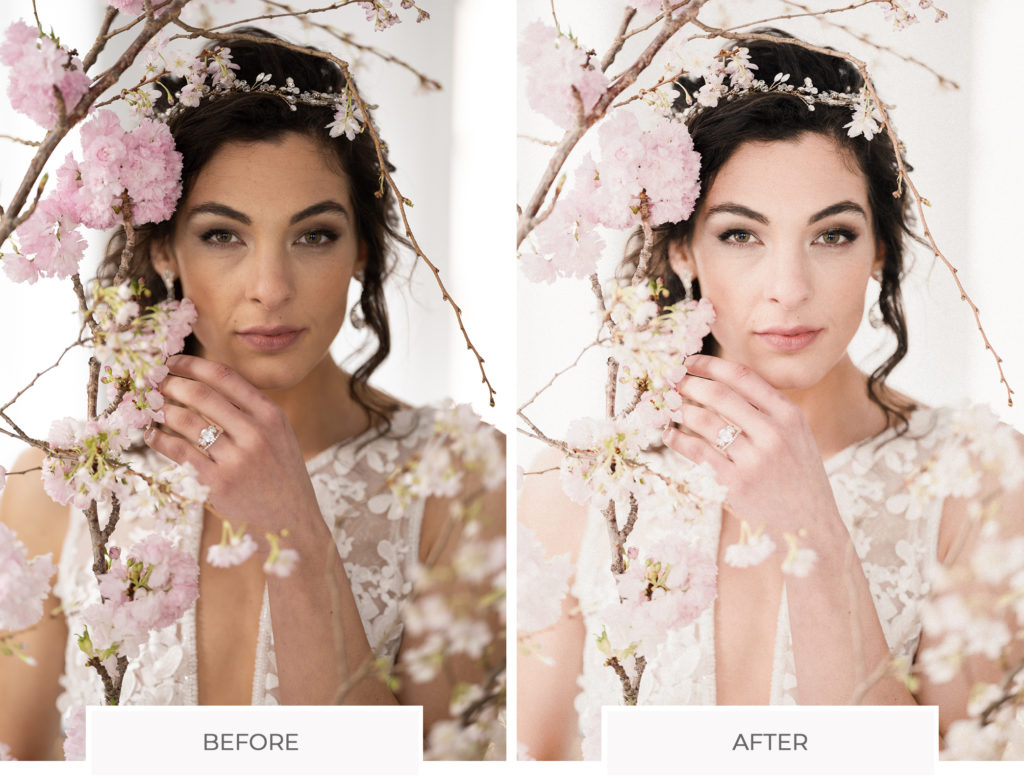
Photo by Paul Von Rieter
The film grain and film emulation style works best in soft, natural lighting conditions where the lifted, airy quality of the preset can breathe. Ideal conditions include open shade, soft window light, overcast outdoor settings, golden hour, and any situation where the primary light is gentle and directional. The style also works well in bright outdoor ceremonies and lifestyle sessions. It is more challenging in heavy tungsten or mixed-light reception situations — though the Pastel Pack includes presets specifically calibrated for those conditions as well.
Compatible Software and Formats
The Pastel Pack works with Lightroom Classic, Lightroom CC, Lightroom Mobile for iOS and Android, and Adobe Camera Raw. Presets are delivered in XMP format for Lightroom Classic and DNG format for Lightroom Mobile. One purchase covers all formats and all devices.
How to Use Film Grain Presets Effectively

Photo by Paul Von Rieter
Match the preset to your lighting condition. For soft window light or open shade, start with the Soft Light preset. For golden hour portraits, try the Backlit or HDR Natural version. Apply the preset, then fine-tune white balance and exposure. With Visual Flow you typically only need those two adjustments to get a consistent result across an entire gallery.
One tip specific to the film grain look: the grain in the Pastel Pack is calibrated for standard export sizes. If you are delivering large prints or high-resolution web images, you may want to add a small amount of additional grain in Lightroom Effects to maintain the film texture at larger display sizes.
Ready to Try It?
Get the Pastel Preset Pack
One-click results tested across 10,000+ real images, built for every lighting condition.
View the Pastel PackPrefer a cleaner, more neutral 35mm film look?
View the Pure Pack →