

Family photography spans every lighting condition, every season, and every client preference. From golden hour outdoor sessions to indoor lifestyle shoots, from bright and airy to warm and moody — the preset system you use needs to be as versatile as the work itself. Visual Flow is built for exactly that.



Recommended Preset Packs
The Best Lightroom Preset Packs for Family Photographers

Modern
Warm, vibrant, and natural. The most versatile pack for family work — flattering across all skin tones, all seasons, and all lighting conditions.
View Pack →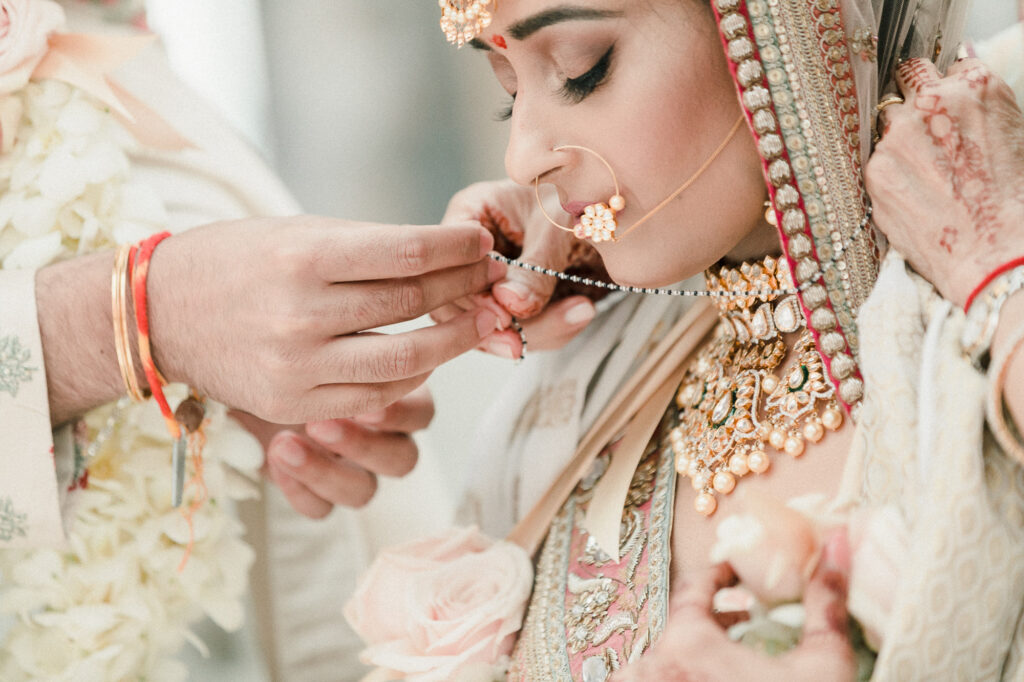
Pastel Lightroom Presets
Soft, filmic, and bright. Perfect for the light and airy family aesthetic — spring sessions, window light, and soft outdoor portraits.
View Pack →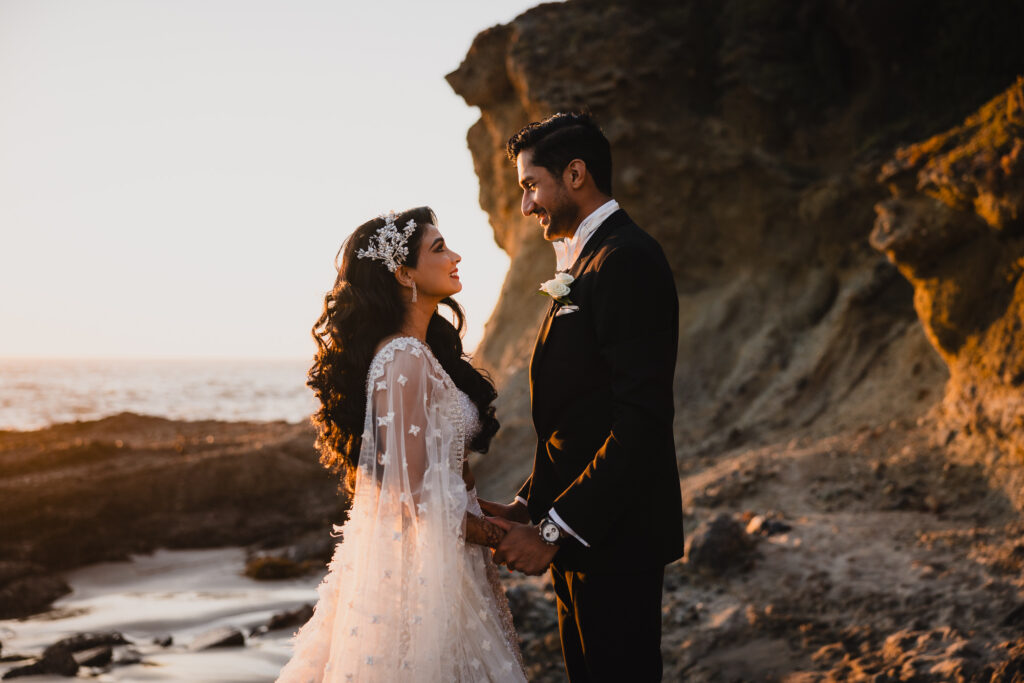
Radiant Lightroom Presets
Warm and cinematic with rich contrast. Elevates golden hour family sessions and outdoor portraits with a polished, editorial feel.
View Pack →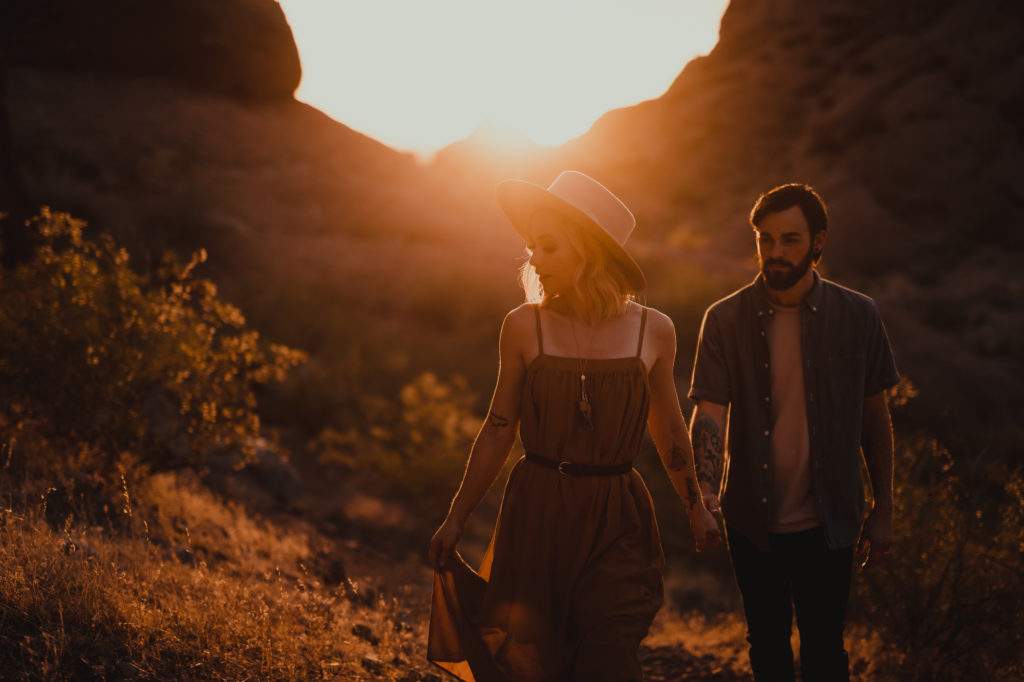
Mood Lightroom Presets
Dark, earthy, and cinematic. Best for clients who want a moody, atmospheric look — autumn sessions, dramatic skies, and emotional storytelling.
View Pack →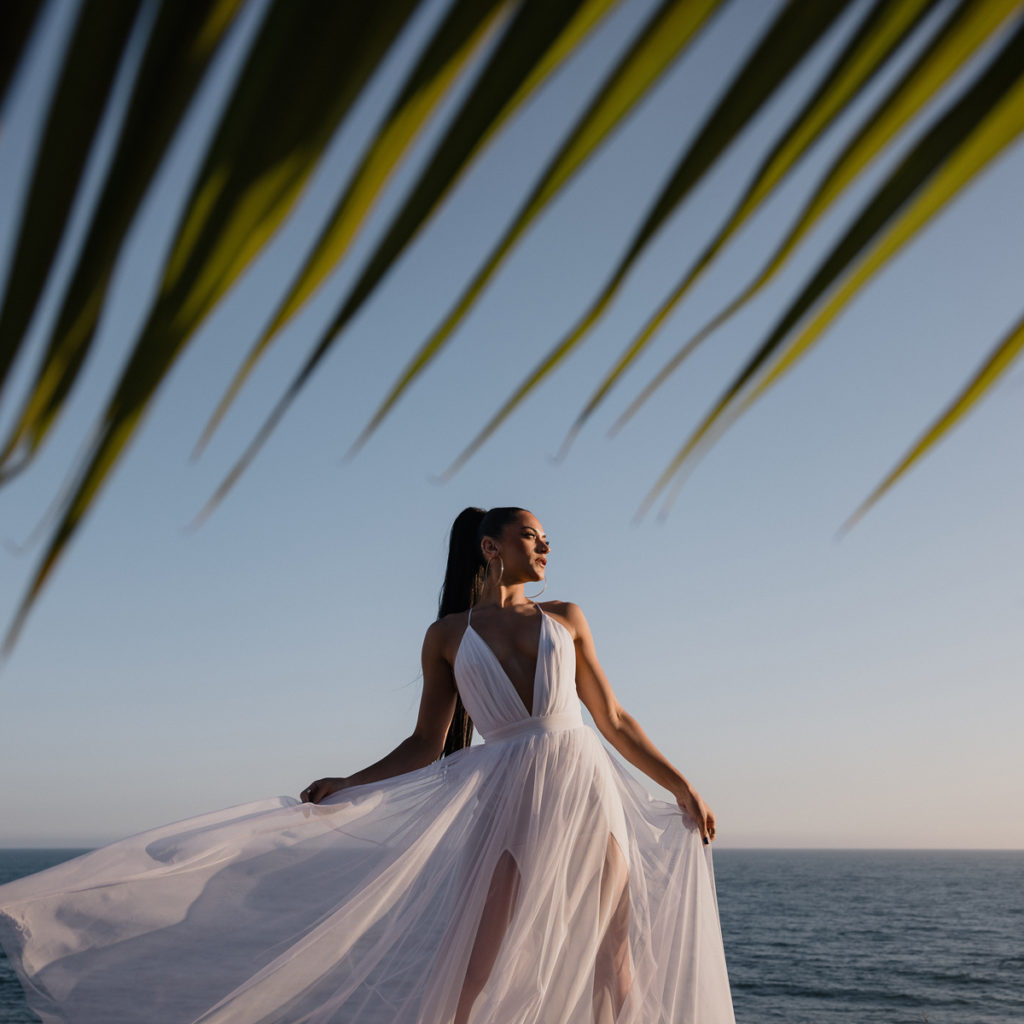
Pure Lightroom Presets
Clean and timeless. A subtle matte finish that keeps the focus on genuine connection and emotion without heavy color grading.
View Pack →
Crush Lightroom Presets
Bold and vivid. High-impact color and contrast for beach sessions, tropical destinations, and families who want vibrant, energetic images.
View Pack →When To Use Each Preset
Matching Your Preset to the Light
Golden hour outdoor sessions in open fields and parks, shade and open sky on overcast days, indoor lifestyle sessions with window light, backlit sessions at sunset, beach sessions with bright reflective sand, autumn foliage in mixed natural light, and indoor holiday sessions with warm tungsten and mixed lighting.
What Makes Family Photography Editing Unique
Family photography is the most stylistically diverse genre in portrait work. One week you are shooting a lifestyle session in a bright modern home with window light and white walls. The next you are in a golden field at sunset with warm backlight and long shadows. The week after that it is autumn foliage in mixed shade and sun, or a beach session with overexposed sand and reflective water. No single preset works across all of these — at least not without significant manual correction every time.
The photographers who build efficient, profitable family photography businesses are the ones who solve the editing consistency problem. Visual Flow gives you that solution — a preset for every lighting condition, applied once, producing a consistent and professional result across the entire session.
Matching Your Preset to Your Client and Scene

The right pack for a family session depends on two things: the lighting conditions you shot in, and the aesthetic your client expects. These two variables together narrow your choice quickly.
For clients who want bright, clean, and timeless — Modern or Pastel. For clients who want warm and golden with a cinematic feel — Radiant. For clients who want something moody, atmospheric, and editorial — Mood. For clean and documentary with minimal stylization — Pure. For bold, high-energy, vivid results — Crush.
The lighting condition system means whichever pack you choose, you are applying the right preset for the specific light in each scene — not forcing one look onto conditions it was not designed for. A golden hour session with Radiant looks intentional and consistent. The same session with the wrong preset applied uniformly looks patchy and over-processed.
The Most Popular Packs for Family Photography
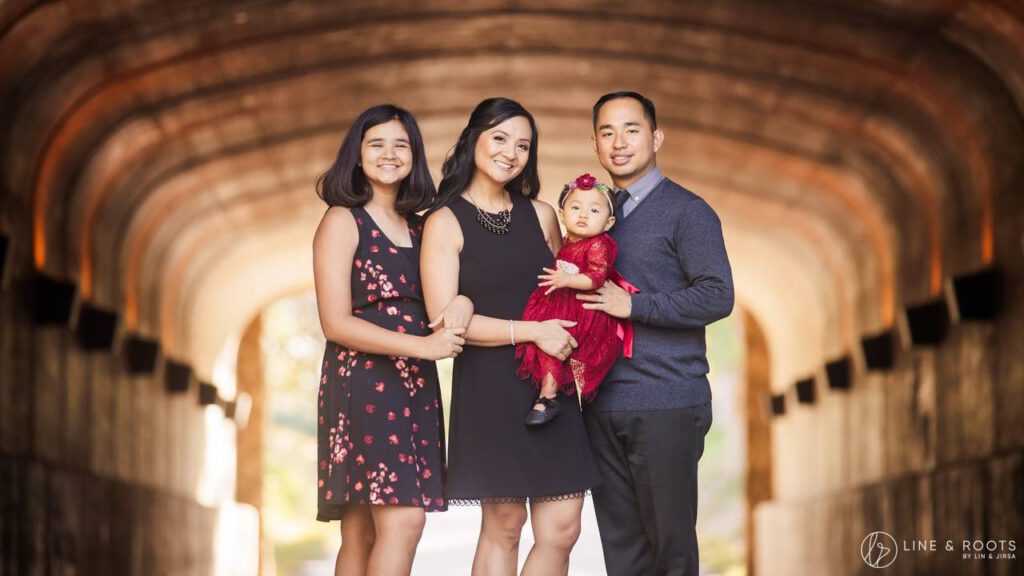
Modern is the most widely used pack among family photographers. Its warm, vibrant, and natural character is universally flattering — it works on every skin tone, in every season, and in every lighting environment. If you are new to Visual Flow and shoot a broad range of family work, Modern is the right starting point.
Pastel is the dominant choice for photographers whose brand is built around the light and airy aesthetic. Spring mini sessions, newborn-in-the-family setups, soft window light lifestyle work — Pastel was built for these scenarios and delivers consistently. Many family photographers pair Modern for outdoor sessions and Pastel for indoor or overcast work.
Radiant has become the go-to for golden hour specialists. The warm, cinematic character of Radiant transforms a solid golden hour session into something that looks genuinely elevated — rich tones, beautiful contrast, and a finish that feels high-end without being heavy-handed.
Editing High-Volume Family Sessions Efficiently
Mini session days are where the lighting condition system earns its reputation. A photographer shooting 8 to 10 mini sessions back to back in the same location, in the same light, can cull the day, apply a single preset to the first gallery, and batch sync to every other gallery in minutes. The editing work for an entire mini session day — 300 to 500 images — can be completed in two to three hours.
For longer lifestyle sessions with multiple locations or lighting setups, sort the images by lighting condition, apply the corresponding preset to the first image in each group, adjust white balance, and batch sync. The result is a consistent gallery across all setups without manual correction per image.
Working Across Different Seasons and Environments
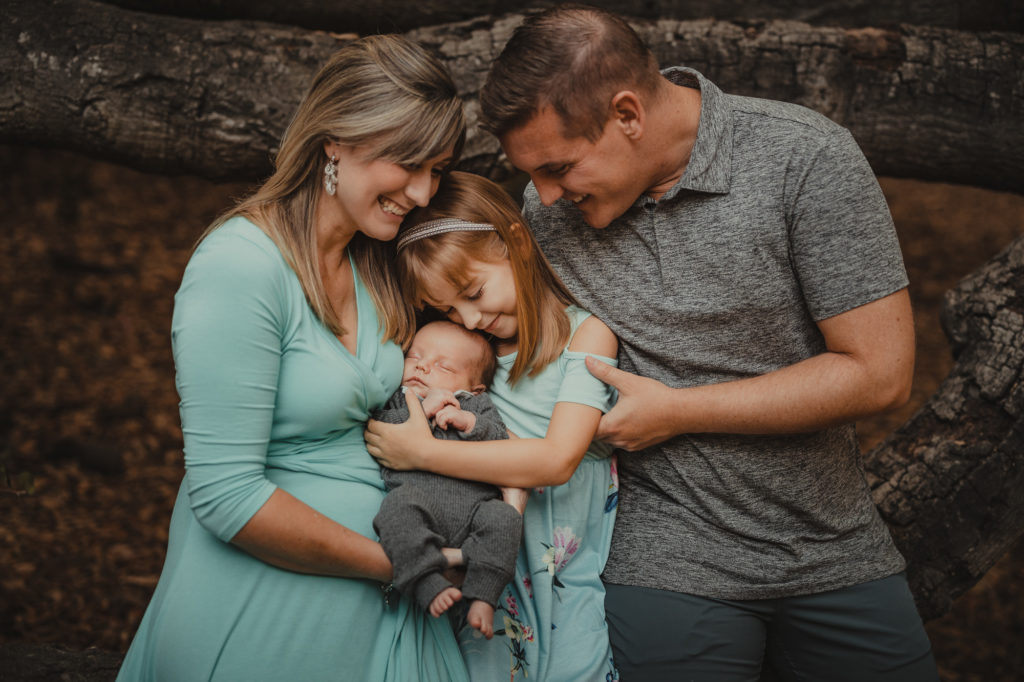
Family photographers deal with more environmental variety than almost any other genre. Summer beach sessions have a completely different color challenge than autumn foliage sessions. Indoor winter lifestyle shoots require different preset behavior than outdoor spring florals.
Visual Flow addresses this through the lighting condition presets rather than season-specific adjustments. The Hard Light preset handles bright summer sun the same way whether you are at the beach in July or a park in September. The Green Tint preset corrects the color cast from shooting under deciduous trees whether the leaves are green in spring or yellow in autumn. You learn the system once and it applies across every environment you work in.
Skin Tone Accuracy Across Diverse Families
Family sessions often include multiple people with different skin tones — parents, children, grandparents — sometimes across a wide range. A preset that renders one person beautifully can make another look unnatural. The DVLOP dual-illuminant profile system built into every Visual Flow pack handles this by establishing accurate color rendering at the profile level before any preset adjustments are applied. The result is natural, flattering skin tones across the full range of complexions in a family group.
Compatible Software and Formats
All Visual Flow preset packs work with Lightroom Classic, Lightroom CC, Lightroom Mobile for iOS and Android, and Adobe Camera Raw in Photoshop. Presets are delivered in XMP format for Lightroom Classic and DNG format for Lightroom Mobile. One purchase covers all formats and all devices, with free updates as packs are refined over time.
Ready to Get Started?
One System. Every Family. Every Light.
Stop adjusting the same images twice. Match the preset to the light, batch sync, and deliver. Visual Flow makes it that simple.
Browse All Preset PacksNot sure where to start? Browse by editing style →